
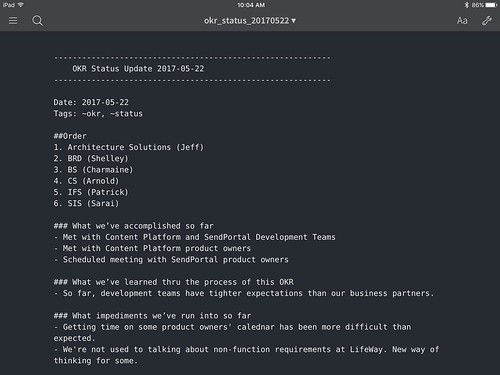
Switching to plain-text notes using the Sublime Note package was a huge boon to my daily productivity. Not only was Sublime Text more stable than the previous alternatives, it used less memory, was easier to search thanks to Alfred/Spotlight, and — when paired with Dropbox — synched quickly across all of my devices.
My only problem was my inability to easily edit notes on my iPad. Yes, I could take my MacBook Air with me from meeting to meeting, but thanks to my Microsoft Universal Keyboard I was now too spoiled by my small and light iPad mini + keyboard setup. I needed an iOS plain text editor that synched with Dropbox.
Read more...Several months ago I followed the lead of my friend Jon Boulineau and switched from Evernote/Simplenote/OneNote for my note taking needs, to Sublime Text using the Sublime Note package.
Sublime Text uses significantly less system resources than the alternatives and is incredibly stable at all times. Further, when synched via Dropbox, all of my super-small, plain-text note files are instantly available on all of my devices — mobile and otherwise.
The Sublime Notes package gives one syntax highlighting and about everything one might need, except for a default note template. Creating this in Sublime Text 3 is a very easy operation.
Read more...

 ]
] ]
] ]
] ]
] ]
]